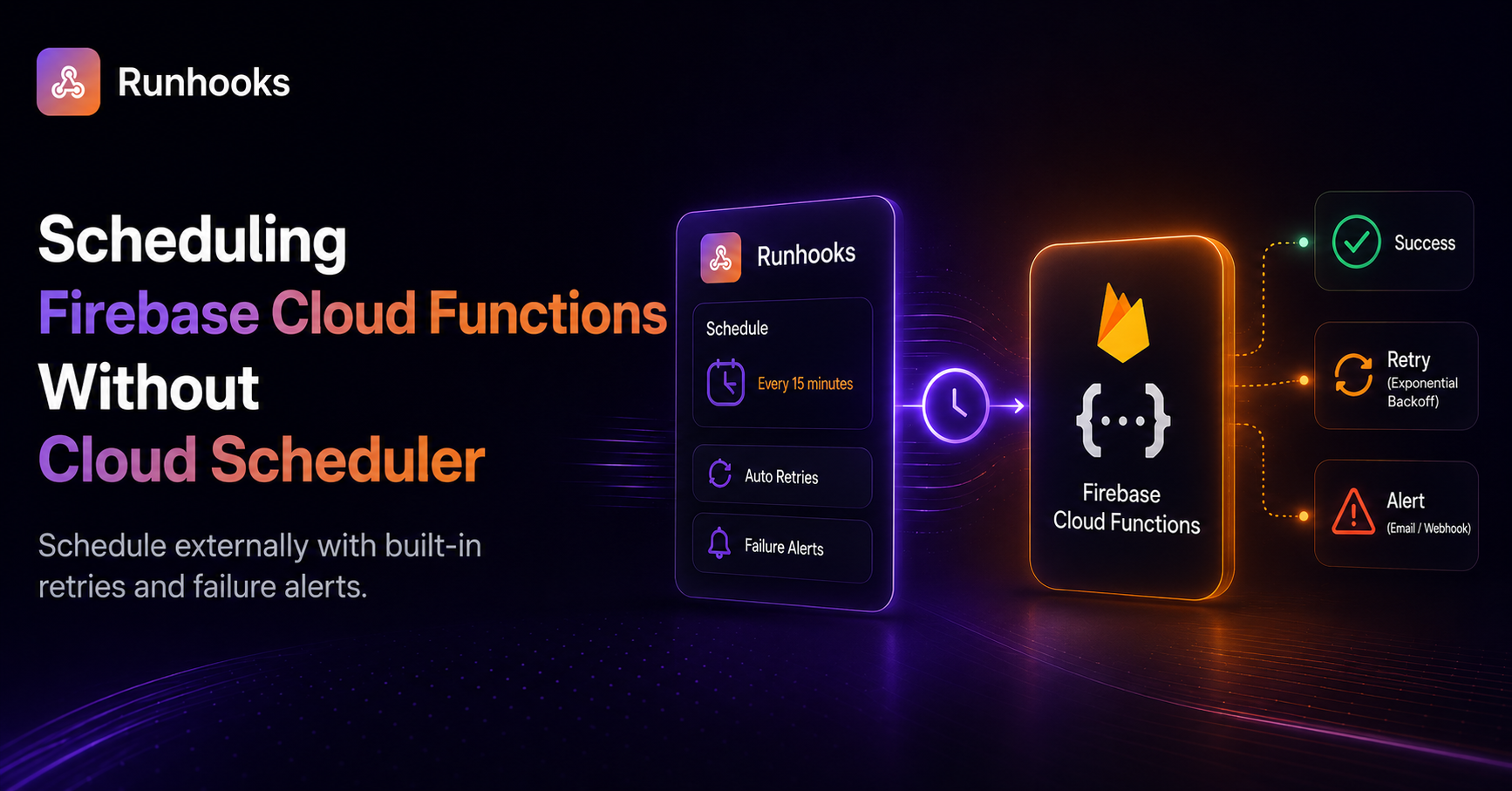
TL;DR. Firebase Cloud Functions need the Blaze plan to deploy, and Cloud Scheduler only gives 3 free jobs before charging $0.10 each. Deploy your functions as HTTP endpoints with
onRequestand call them from an external scheduler to skip the job limit and get retries and execution visibility.
You build a Firebase Cloud Function that cleans up expired sessions, write an onSchedule handler, and deploy. Firebase tells you it needs Cloud Scheduler — which means the Blaze plan. You upgrade, add a credit card, and your first scheduled function runs perfectly.
Then you add a second. And a third. By the time you need a fourth scheduled function — a weekly analytics digest, maybe — you discover that Cloud Scheduler only gives you 3 free jobs per billing account. Job number four costs $0.10/month. Not much on its own, but the principle stings: you picked Firebase for simplicity, and now you're managing GCP Scheduler quotas.
There's a simpler path. Your Cloud Functions are HTTP endpoints. Any external service that can send an HTTP request on a schedule can replace Cloud Scheduler entirely — with no job limit, no GCP Scheduler dependency, and better visibility into what ran and what failed.
The Firebase Scheduling Stack
Firebase's built-in scheduling works by wiring together two GCP services under the hood:
- Cloud Scheduler — creates a cron job that fires at the specified interval
- Cloud Pub/Sub — delivers the trigger message to your function
When you write an onSchedule handler, Firebase provisions both automatically:
// Scheduled function using Firebase's built-in approach
import { onSchedule } from 'firebase-functions/v2/scheduler';

export const dailyCleanup = onSchedule('every day 00:00', async (event) => {
  // delete expired sessions, prune old logs, etc.
});
This is convenient — one line of code creates the schedule, the Pub/Sub topic, and the function trigger. But it comes with constraints:
- Spark plan can't deploy functions at all — Cloud Functions require the Blaze (pay-as-you-go) plan. The free Spark plan only allows running functions locally in the emulator.
- 3 free Cloud Scheduler jobs — after that, each job is $0.10/month. If your project grows to 10 scheduled tasks, that's $0.70/month just for the schedulers.
- No execution visibility — Cloud Scheduler tells you when a job was triggered, but not what happened inside the function. Did it succeed? Did it process 50 records or 5,000? You need Cloud Logging to find out, and parsing logs for individual function runs is tedious.
- No automatic retries on application errors — Cloud Scheduler retries on delivery failures (5xx from the infrastructure), but if your function runs, throws an application error, and returns a 200-level response, the scheduler considers it successful.
The Alternative: HTTP Functions + External Scheduling
Instead of onSchedule, deploy your function as a standard HTTP endpoint using onRequest. This creates a Cloud Function that any HTTP client can call:
// HTTP-callable function — same logic, externally schedulable
import { onRequest } from 'firebase-functions/v2/https';
import { getFirestore } from 'firebase-admin/firestore';
import { initializeApp } from 'firebase-admin/app';

initializeApp();

export const dailyCleanup = onRequest(async (req, res) => {
  // Verify the request is from your scheduler
  const authHeader = req.headers.authorization;
  if (authHeader !== `Bearer ${process.env.CRON_SECRET}`) {
    res.status(401).json({ error: 'Unauthorized' });
    return;
  }

  const db = getFirestore();
  const cutoff = new Date(Date.now() - 24 * 60 * 60 * 1000);

  const expired = await db
    .collection('sessions')
    .where('expiresAt', '<', cutoff)
    .get();

  const batch = db.batch();
  expired.docs.forEach(doc => batch.delete(doc.ref));
  await batch.commit();

  res.json({ deleted: expired.size, date: new Date().toISOString() });
});
This function does the same work as the onSchedule version. The difference: it doesn't create a Cloud Scheduler job or a Pub/Sub topic. It's a plain HTTP endpoint that runs when called and returns a structured response.
Securing the Endpoint
Without Cloud Scheduler's built-in authentication, you need to verify incoming requests yourself. A shared secret in a header is the simplest approach:
- Set the secret as an environment variable in your Firebase project:
firebase functions:secrets:set CRON_SECRET
Check the
Authorizationheader in your function (as shown above)Configure the same secret in your external scheduler's request headers
For stricter security, you can verify a signed JWT or use Firebase's App Check for server-to-server calls. For most scheduled tasks, a shared secret is sufficient.
Why Not Just Use Cloud Scheduler Directly?
You could keep using Cloud Scheduler without Firebase's onSchedule wrapper — create jobs manually in the GCP Console that call your HTTP functions. But this brings its own problems:
- Same 3-job limit — the restriction is on Cloud Scheduler, not on Firebase's wrapper. Manual jobs count against the same quota.
- Split management — your function code is in your Firebase project, but your schedules are in GCP Console. Changes require coordinating between two systems.
- No application-level retries — Cloud Scheduler retries transport failures, but if your function successfully receives the request and then fails internally, there's no retry.
- Minimal execution history — Cloud Scheduler logs show "job ran at 06:00:03" but not "function deleted 847 expired sessions in 2.3 seconds."
Scheduling With Runhooks
Runhooks calls your HTTP functions on a schedule with no job limit and full visibility into every execution. Setup:
- Create a job — "Daily session cleanup"
- Set the URL —
https://us-central1-your-project.cloudfunctions.net/dailyCleanup - Set the schedule —
0 0 * * *(midnight daily) - Set the timezone — your application's primary timezone
- Add an auth header —
Authorization: Bearer <your-cron-secret> - Enable retries — 3 attempts with exponential backoff
What this gives you over Cloud Scheduler:
- No job limit — schedule as many functions as you need without worrying about the 3-job free tier. Add a tenth scheduled function the same way you added the first.
- Execution logs — every invocation is recorded with HTTP status, response body (including your
{ deleted: 847 }summary), and duration in milliseconds. - Application-level retries — if your function returns a 500 because Firestore was temporarily unavailable, Runhooks retries within seconds. Cloud Scheduler considers the job "delivered" and moves on.
- Failure alerts — if your cleanup function starts failing consistently, you get an email or webhook notification. You don't find out when a user reports stale data.
- Timezone-aware scheduling — set the job to run at midnight in
Europe/Berlinand it stays at midnight through DST transitions.
Extending the Pattern
Once you move one scheduled function to HTTP + external scheduling, the same pattern works for every recurring task in your Firebase project:
- Database cleanup — delete expired documents, prune audit logs, archive old records
- Analytics aggregation — compute daily/weekly metrics and write them to a summary collection
- Notification digests — batch individual events into daily or weekly email summaries
- Data sync — pull from external APIs and write to Firestore on a schedule
- Cache warming — precompute expensive queries and store results for fast reads
Each is a separate onRequest function and a separate job in Runhooks — with its own schedule, retry policy, and alerting.
The Blaze Plan Is Free (For Most Projects)
If you've been avoiding Blaze because of cost concerns: Blaze is pay-as-you-go, but it includes generous free allowances that cover most hobby and small-scale projects:
- 2 million function invocations per month
- 400,000 GB-seconds of compute
- All Spark plan quotas remain included
A daily scheduled function running once costs 30 invocations per month. Even with 10 scheduled functions, you're at 300 invocations — 0.015% of your free allowance. The Blaze upgrade is effectively free for scheduling use cases.
Set a budget alert at $1 to catch unexpected usage before it accumulates.
Get Started
Firebase's Cloud Functions are powerful — the scheduling limitations come from Cloud Scheduler, not from the functions themselves:
- Deploy your scheduled functions as
onRequestHTTP endpoints instead ofonSchedule - Try Runhooks and schedule them on any cron expression
- Get execution logs, retries, and alerts — without managing Cloud Scheduler quotas
Preview your schedule with the cron expression visualizer, and compare plans when you need more jobs or longer log retention.
Frequently Asked Questions
Can I use Firebase scheduled functions on the free Spark plan?
No. Firebase Cloud Functions cannot be deployed on the free Spark plan — deployment requires the pay-as-you-go Blaze plan. However, Blaze includes generous free allowances: 2 million invocations per month and 400,000 GB-seconds of compute. You only pay if you exceed those limits, so most small projects run at zero cost on Blaze.
How many Cloud Scheduler jobs are free on Firebase?
Cloud Scheduler gives you 3 free jobs per Google billing account. Each additional job costs $0.10 per month. If you need more than 3 scheduled functions — for example, a daily sync, an hourly cleanup, a weekly report, and a health check — the fourth job starts incurring charges. An external HTTP scheduler removes this limit entirely.
Can I schedule Firebase Cloud Functions without Cloud Scheduler?
Yes. Any HTTP-callable Firebase Cloud Function can be triggered by an external HTTP request. Instead of using onSchedule with Cloud Scheduler, deploy your function with onRequest to create a standard HTTP endpoint, then use an external scheduler like Runhooks to call it on any cron schedule. This bypasses Cloud Scheduler entirely.
Is the Firebase Blaze plan actually free?
Blaze is pay-as-you-go, but it includes the same free allowances as the Spark plan plus additional Cloud Functions quotas: 2 million invocations/month and 400,000 GB-seconds. Most hobby and small-scale projects stay within these limits and pay nothing. The main concern for developers is adding a credit card, but with budget alerts configured, unexpected charges are preventable.
Read next: Preventing Supabase Free Tier Pausing · Bypassing the Vercel Hobby Plan Cron Limit · Why Cron Jobs Fail in Production · Schedule Supabase Edge Functions Without pg_cron