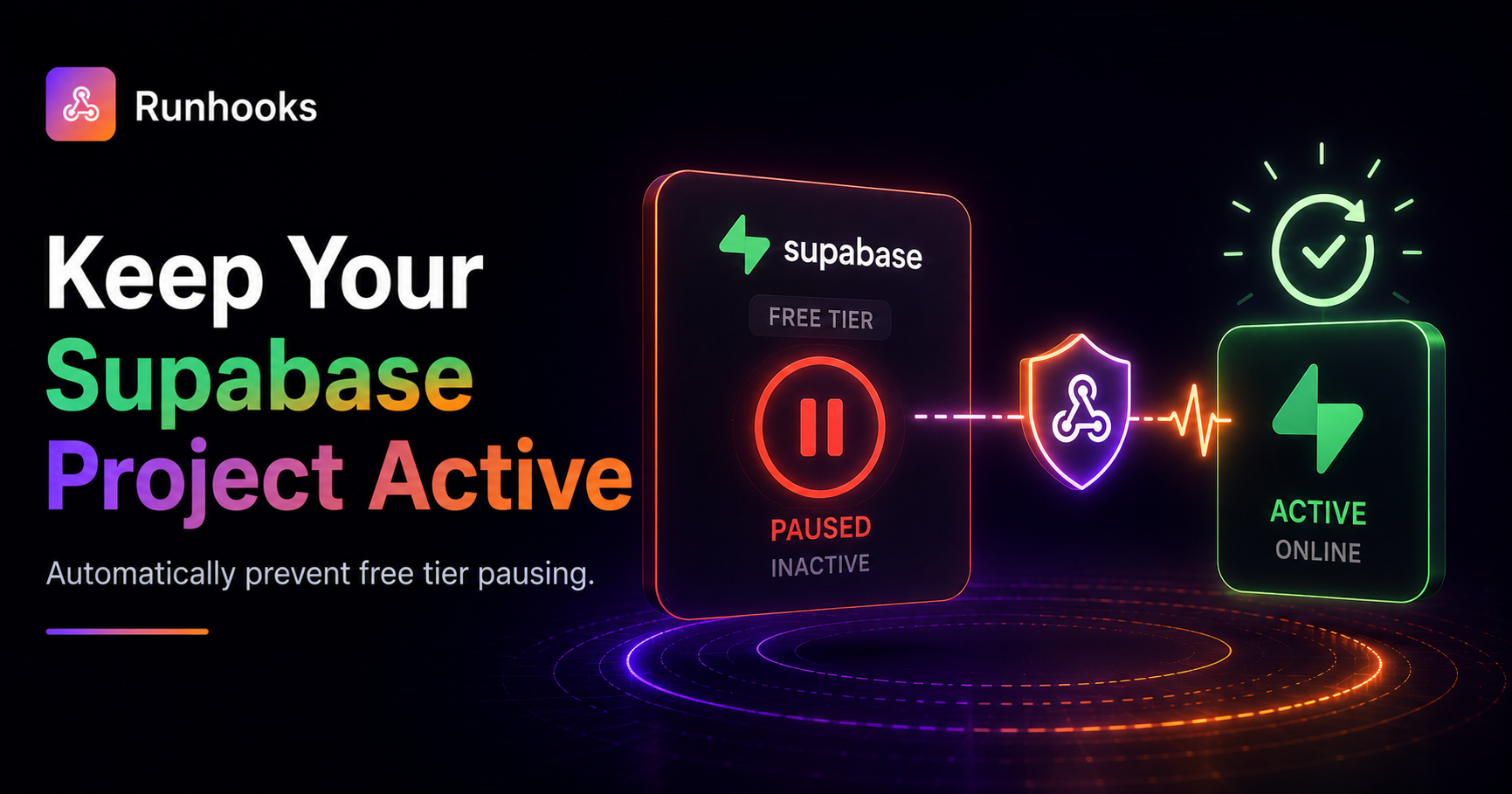
TL;DR. Supabase pauses free-tier projects after 7 days of inactivity, taking down the database, pg_cron jobs, and Edge Functions with no backfill. Send one scheduled HTTP ping per week to keep the project active, and move scheduling off pg_cron to an external scheduler that doesn't depend on the database being awake.
You set up a Supabase project, build an Edge Function that syncs data from an external API, and schedule it with pg_cron to run every morning. It works perfectly — for exactly one week. Then you check your dashboard and find your project has been paused. Your database is offline. Your cron jobs stopped running days ago. The data your app depends on is stale, and you had no idea.
This is the most common surprise on Supabase's free tier: projects automatically pause after 7 days of inactivity.
What Pausing Actually Does
Supabase's free tier allows up to 2 active projects per organization, each with 500 MB of database storage and 500,000 Edge Function invocations per month. It's a generous starting point — until the pause kicks in.
After 7 days with no API requests, database queries, or Edge Function calls, Supabase shuts down the project's infrastructure entirely:
- Database goes offline — your Postgres instance is stopped. All tables, data, and extensions are preserved but inaccessible.
- pg_cron stops — since pg_cron runs inside the database, pausing the database kills every scheduled job. They don't resume automatically when you unpause.
- Edge Functions become unreachable — any HTTP requests to your functions return errors.
- Realtime subscriptions disconnect — any connected clients lose their connections.
You can unpause manually from the Supabase dashboard, but every scheduled task that should have run during the pause window is simply lost. There's no catch-up mechanism, no backfill, and no notification that the pause happened.
Why pg_cron Is Fragile on the Free Tier
Supabase recommends pg_cron + pg_net for scheduling Edge Functions. You store your credentials in Supabase Vault, then use cron.schedule() to call net.http_post() on an interval:
SELECT cron.schedule(
  'daily-sync',
  '0 6 * * *',
  $
  SELECT net.http_post(
    url := 'https://your-project.supabase.co/functions/v1/sync',
    headers := jsonb_build_object(
      'Authorization', 'Bearer ' || (SELECT decrypted_secret FROM vault.decrypted_secrets WHERE name = 'anon_key')
    ),
    body := '{}'::jsonb
  );
  $
);
This works on paid plans where your database never pauses. On the free tier, it creates a circular dependency: the scheduler lives inside the thing that gets shut down. If no external traffic hits your project for a week, the database pauses, pg_cron stops, and your "daily sync" silently dies.
The irony is that pg_cron running daily would count as activity and prevent the pause — but only if something external triggered the first request each week. Once the project pauses, pg_cron can't wake it back up.
The Fix: External Scheduling
The solution is to move your scheduling outside of Supabase entirely. Your Edge Functions are standard HTTP endpoints — any service that can send an HTTP request on a schedule can trigger them.
This solves both problems at once:
- Keep-alive — a scheduled request at least once per week prevents the 7-day pause. Even a single weekly ping is enough.
- Reliable scheduling — your cron schedule no longer depends on the database being awake. The external scheduler calls your Edge Function directly, bypassing pg_cron and pg_net entirely.
Building a Keep-Alive Endpoint
If your project doesn't already receive regular traffic, add a lightweight Edge Function that does nothing but confirm the project is alive:
// supabase/functions/health/index.ts
Deno.serve(async () => {
  return new Response(JSON.stringify({ status: 'ok' }), {
    headers: { 'Content-Type': 'application/json' },
  });
});
One request to this endpoint per week is enough to reset the 7-day inactivity timer. You don't need to ping every few minutes — Supabase's timeout is measured in days, not minutes.
Why a DIY Ping Isn't Enough
You could set a weekly reminder to curl your project, or use a GitHub Actions workflow that runs on a schedule. But these approaches have gaps:
- GitHub Actions cron is unreliable — GitHub makes no guarantee about schedule accuracy. Jobs can be delayed by minutes or hours, and during high-load periods they may be skipped entirely.
- No failure visibility — if the ping fails (your Edge Function has a bug, Supabase has an outage, your endpoint URL changed), a cron-based ping won't tell you. You find out when the project pauses anyway.
- No retries — a single network timeout means the ping was wasted. The next attempt is a week later — right at the edge of the pause window.
For a task that protects your entire project from shutting down, you need a scheduler that retries on failure and alerts you when something is wrong.
Scheduling With Runhooks
Runhooks replaces both the keep-alive ping and pg_cron with external HTTP scheduling. Two jobs cover everything:
Job 1: Keep-alive ping (prevents pausing)
- Create a job — "Supabase keep-alive"
- Set the URL —
https://your-project.supabase.co/functions/v1/health - Set the schedule —
0 9 * * 1(every Monday at 9 AM — once per week is plenty) - Add an auth header —
Authorization: Bearer <your-anon-key> - Enable retries — 3 attempts with exponential backoff
Job 2: Your actual scheduled task (replaces pg_cron)
- Create a job — "Daily data sync"
- Set the URL —
https://your-project.supabase.co/functions/v1/sync - Set the schedule —
0 6 * * *(daily at 6 AM) - Set the timezone — your business timezone
- Add an auth header —
Authorization: Bearer <your-service-role-key> - Enable retries — 3 attempts with exponential backoff
What this gives you over pg_cron:
- Independence from the database — your schedule runs whether the database is awake or not. The external request itself counts as activity, preventing the pause.
- Execution logs — every invocation is recorded with HTTP status, response body, and duration. pg_cron logs are inside the database that might be paused.
- Failure alerts — if your Edge Function starts returning errors, you get notified immediately. pg_cron fails silently.
- Automatic retries — if a transient error occurs, the next attempt fires in seconds instead of waiting for the next scheduled tick.
Securing Your Edge Functions
When your Edge Functions are triggered externally, verify the incoming request using Supabase's built-in JWT verification:
// supabase/functions/sync/index.ts
import { createClient } from 'https://esm.sh/@supabase/supabase-js@2';

Deno.serve(async (req) => {
  const authHeader = req.headers.get('Authorization');
  if (!authHeader) {
    return new Response('Unauthorized', { status: 401 });
  }

  const supabase = createClient(
    Deno.env.get('SUPABASE_URL')!,
    Deno.env.get('SUPABASE_SERVICE_ROLE_KEY')!,
  );

  // Your sync logic here
  const { data, error } = await supabase
    .from('synced_records')
    .upsert(/* ... */);

  return new Response(
    JSON.stringify({ synced: data?.length ?? 0 }),
    { headers: { 'Content-Type': 'application/json' } },
  );
});
In Runhooks, add the Authorization: Bearer <your-service-role-key> header to the job configuration. For the keep-alive ping, the anon key is sufficient since it doesn't access protected data.
Get Started
Supabase's free tier is excellent for side projects and MVPs — the 7-day pause is the only real risk, and it's easy to prevent:
- Add a
/healthEdge Function if your project doesn't receive regular traffic - Try Runhooks and schedule a weekly keep-alive ping plus your actual cron jobs
- Drop your
pg_cronschedules — your tasks now run independently of the database
Preview your schedule with the cron expression visualizer, and compare plans when you need more jobs or longer log retention.
Frequently Asked Questions
Why did my Supabase free project pause?
Supabase automatically pauses free-tier projects after 7 days of inactivity. Inactivity means no API requests, no database queries, and no Edge Function invocations. When paused, your database goes offline, pg_cron jobs stop running, and Edge Functions become unreachable. You can unpause manually from the dashboard, but any scheduled jobs you had will have missed their runs during the pause.
How do I prevent my Supabase free project from pausing?
Send at least one API request to your project every 7 days. The simplest approach is to schedule a weekly HTTP request to your project's REST API or a lightweight Edge Function. An external scheduler like Runhooks can send this ping automatically with retries and failure alerts, so you know immediately if something goes wrong.
Does pg_cron work on Supabase free tier?
Yes, pg_cron is available on the free tier and works as long as your project is active. However, if your project pauses due to inactivity, pg_cron stops entirely — it runs inside the database, so when the database is offline, all scheduled jobs stop. This makes pg_cron unreliable for the free tier unless you have a separate mechanism keeping the project awake.
Can I replace pg_cron with an external scheduler on Supabase?
Yes. Instead of using pg_cron + pg_net to call Edge Functions, you can use an external HTTP scheduler to call your Edge Functions directly on a schedule. This removes the dependency on the database being active and gives you execution logs, retries, and failure alerts that pg_cron doesn't provide.
Read next: Scheduling Firebase Functions Without Cloud Scheduler · Eliminating Render Free Tier Cold Starts · Scheduled HTTP Requests vs. Cron Jobs · Schedule Supabase Edge Functions Without pg_cron