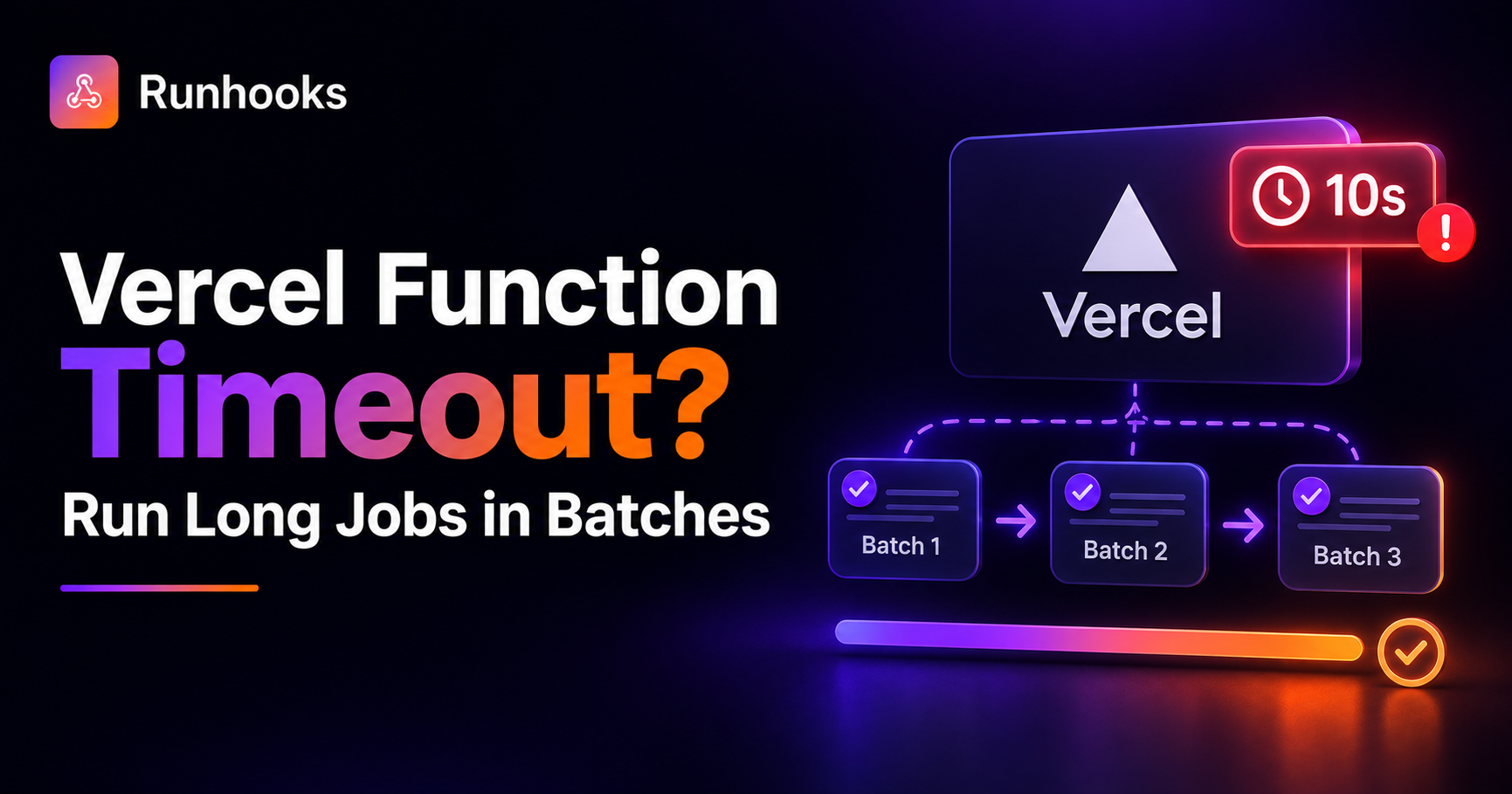
TL;DR. Vercel caps each function invocation at maxDuration (10 seconds on Hobby), so long jobs fail with a 504 FUNCTION_INVOCATION_TIMEOUT. Split divisible work into small batches that each finish under the limit and trigger the endpoint repeatedly with a cursor until the job is done.
Your API route works in testing. Then you run it against real data and it dies partway through:
504: FUNCTION_INVOCATION_TIMEOUT
The code is fine: you've hit Vercel's per-invocation duration limit. And the fix isn't a longer function. It's a shorter job, run more times.
Why Vercel Functions Time Out
Vercel runs your API routes as serverless functions, and each invocation is capped by maxDuration, the maximum seconds it may run before Vercel terminates it. On the Hobby plan that ceiling is short (10 seconds by default), and every plan has a limit. Cross it and you get a 504 FUNCTION_INVOCATION_TIMEOUT.
The exact numbers change over time (as of 2026, check Vercel's current docs), but the shape doesn't: there's always a per-invocation cap. It's there so the platform isn't holding a function open indefinitely, which is fine for request-sized work and fatal for "process everything at once" work like bulk imports, mailings, report generation, or syncing a large third-party dataset.
You can bump maxDuration up to your plan's limit, and for a job that's only slightly too long, that's the pragmatic fix. But it doesn't scale: a job that grows with your data will eventually blow past even the highest ceiling, and you pay for longer-running functions along the way.
The Fix: Process the Work in Batches
If the job is divisible (most bulk jobs are), you don't need one long invocation. You need many short ones, each processing a batch that finishes comfortably under maxDuration.
Turn the route into a resumable batch worker with a cursor:
// app/api/process/route.js
export async function POST(request) {
  const BATCH = 100;
  const { cursor = 0 } = await request.json().catch(() => ({}));

  const items = await getItems(cursor, BATCH);   // fetch a small batch
  for (const item of items) await handle(item);   // finishes under maxDuration

  const next = cursor + items.length;
  const done = items.length < BATCH;
  return Response.json({ processed: items.length, next, done });
}
Each call does a bounded slice of work and returns where to resume. Something on the outside just keeps calling it, advancing the cursor, until done. That something is a scheduler.
Why a DIY Cron Job Isn't Enough
You could drive the batches with a laptop cron job, a script, or even Vercel's own cron, but each has gaps:
- Requires an always-on machine. A local loop stops when your laptop sleeps; a VPS means running a server to feed your serverless app.
- Vercel Hobby cron runs once per day. Its built-in scheduler can't fire often enough to drain a backlog, and on Hobby it's limited to daily runs anyway.
- Fails silently. If a batch errors, a naive loop stops half-done or skips past it with no record.
- No retries or history. A transient failure loses a batch, and you can't see which one or why.
You'd rebuild retries, logging, and alerting around the loop: a scheduler without the guarantees.
How Runhooks Drives the Batches
Runhooks is a scheduled HTTP execution service. Draining a long job is a two-minute setup:
- Create a job: name it "Process import batch."
- Set the URL: your API route, e.g.
https://your-app.vercel.app/api/process. - Set the schedule: frequently enough to drain the backlog, e.g.
*/2 * * * *. - Enable retries: a failed batch retries instead of stalling the run.
What you get that a DIY approach doesn't:
- Frequent, reliable cadence. Batches fire on any schedule, not once a day, and without a machine of your own.
- Automatic retries. A transient failure retries at 1s → 2s → 4s instead of dropping a batch.
- Execution logs. Every batch recorded with status, response, and duration, so you can watch the cursor advance and catch a stall.
- Failure alerts. If batches start failing, you're notified immediately instead of finding a half-finished job later.
Keep each batch short enough to finish under maxDuration, and let Runhooks handle running it again until the job is done.
When Batching Isn't the Answer
Be honest about the workload. Batching only works when the job is divisible. If a single request must do one long, indivisible thing, such as a computation that can't be chunked or a synchronous call to a slow third party that you can't paginate, splitting won't help, because calling it more often doesn't make one call shorter.
For those cases, move the work off the request path entirely: a background queue, a dedicated worker, or a runtime built for long-running jobs. A scheduler is the right tool for orchestrating divisible batches, not for stretching a single long invocation.
Get Started
The timeout isn't a wall to upgrade past; it's a signal to size each run to the request:
- Rewrite the long job to process one bounded batch per call, with a cursor.
- Try Runhooks and trigger it on a frequent schedule with retries and logs until it's done.
- Build and preview your cron expression with the cron visualizer.
Frequently Asked Questions
Why does my Vercel function time out?
Vercel caps how long a serverless function can run per invocation with maxDuration. On the Hobby plan that ceiling is short (10 seconds by default) and every plan has a limit. When your handler runs past it, Vercel terminates the request and returns a 504 FUNCTION_INVOCATION_TIMEOUT. Long jobs like bulk imports, mailings, report generation, or third-party syncs are the usual culprits.
What is the maxDuration limit on Vercel?
maxDuration is the maximum number of seconds a function may run before Vercel kills it. The Hobby plan allows a short duration (10 seconds by default) and paid plans allow more, up to a plan-specific ceiling you can configure. Exact numbers change over time, so check Vercel's current docs. The important thing is that there is always a per-invocation cap you can exceed with a big enough job.
How do I run a long job on Vercel without hitting the timeout?
Split the job so each invocation processes one small batch that finishes well under maxDuration, then trigger the endpoint repeatedly until the whole job is done. Use a cursor (an offset, an ID, or a queue) so each run resumes where the last stopped. An external scheduler like Runhooks calls the endpoint on a schedule, retries a failed batch, and logs every run so you can watch the backlog drain.
Can I just raise maxDuration instead of batching?
You can raise it up to your plan's ceiling, which helps for jobs that are only slightly too long. But it doesn't scale: a job that grows with your data will eventually exceed even the highest limit, and you pay for longer-running functions in the meantime. Batching keeps each invocation short and cheap regardless of how large the total workload gets.
Read next: Bypassing the Vercel Hobby Plan Cron Limit · Schedule Next.js API Routes on Any Hosting Platform · Scheduled HTTP Requests vs. Cron Jobs · Why Cron Jobs Fail in Production