A note from the founder. Need to keep your Railway services responsive around the clock? I'm looking for a small group of early users to try Runhooks and share honest feedback. Early adopters get upgraded plans for free.
You enabled Railway's serverless feature to save on resource costs. The next morning, a user hits your API and gets a 502 Bad Gateway. They refresh — this time it works, but the first request took several seconds. By the time you check, everything looks fine.
That 502 is a cold start. Railway's serverless mode shuts down your service after 10 minutes of inactivity, and the first request to wake it up often fails before the container is ready.
How Railway's Serverless Sleep Works
Railway's serverless feature (formerly called "app sleeping") monitors outbound traffic from your service. If no packets are sent from the service for over 10 minutes, Railway considers it inactive and shuts down the container.
The key detail most developers miss: Railway tracks outbound packets, not inbound ones. A user sending a request to your service doesn't count. What counts is your service sending something out — an HTTP response, a database query, telemetry data, or any network packet.
This means:
- A service with an active database connection pool stays awake (connection keepalive packets are outbound)
- A service receiving WebSocket messages stays awake (acknowledgment packets are outbound)
- A service sitting idle with no connections sleeps after 10 minutes, even if it received inbound traffic from a load balancer health check that it didn't respond to
When the service sleeps and a new request arrives, Railway spins up a fresh container. During that cold boot:
- The first request may return a 502 Bad Gateway — the request arrived before the container was ready
- Subsequent requests experience a delay of a few seconds while the process starts
- Once warm, the service responds at normal speed until the next 10-minute idle window
Why This Matters
The 502 on the first request is the real problem. A slow response is tolerable — a broken one isn't:
- API consumers get errors. A webhook receiver returning
502causes the sender to retry or give up. A mobile app gets an unexpected error on the first call of the day. - Health checks from other services fail. If another service in your project calls yours after a sleep, it gets a
502and may mark your service as unhealthy. - Monitoring tools trigger false alerts. An uptime monitor hitting a sleeping service sees a
502, fires an incident, and you wake up to a page for a service that isn't actually broken.
Disabling serverless entirely is one option — but then you lose the cost savings. The better approach is to keep the service warm while serverless is enabled.
The Fix: A Health Endpoint + Keep-Alive Ping
Since Railway resets the inactivity timer on any outbound traffic, you need your service to send a response at least once every 10 minutes. A lightweight health endpoint does exactly that:
app.get('/health', (req, res) => {
  res.status(200).json({ status: 'ok' });
});
The ping arrives (inbound), your service responds with a 200 (outbound), and Railway sees outbound traffic — resetting the 10-minute timer.
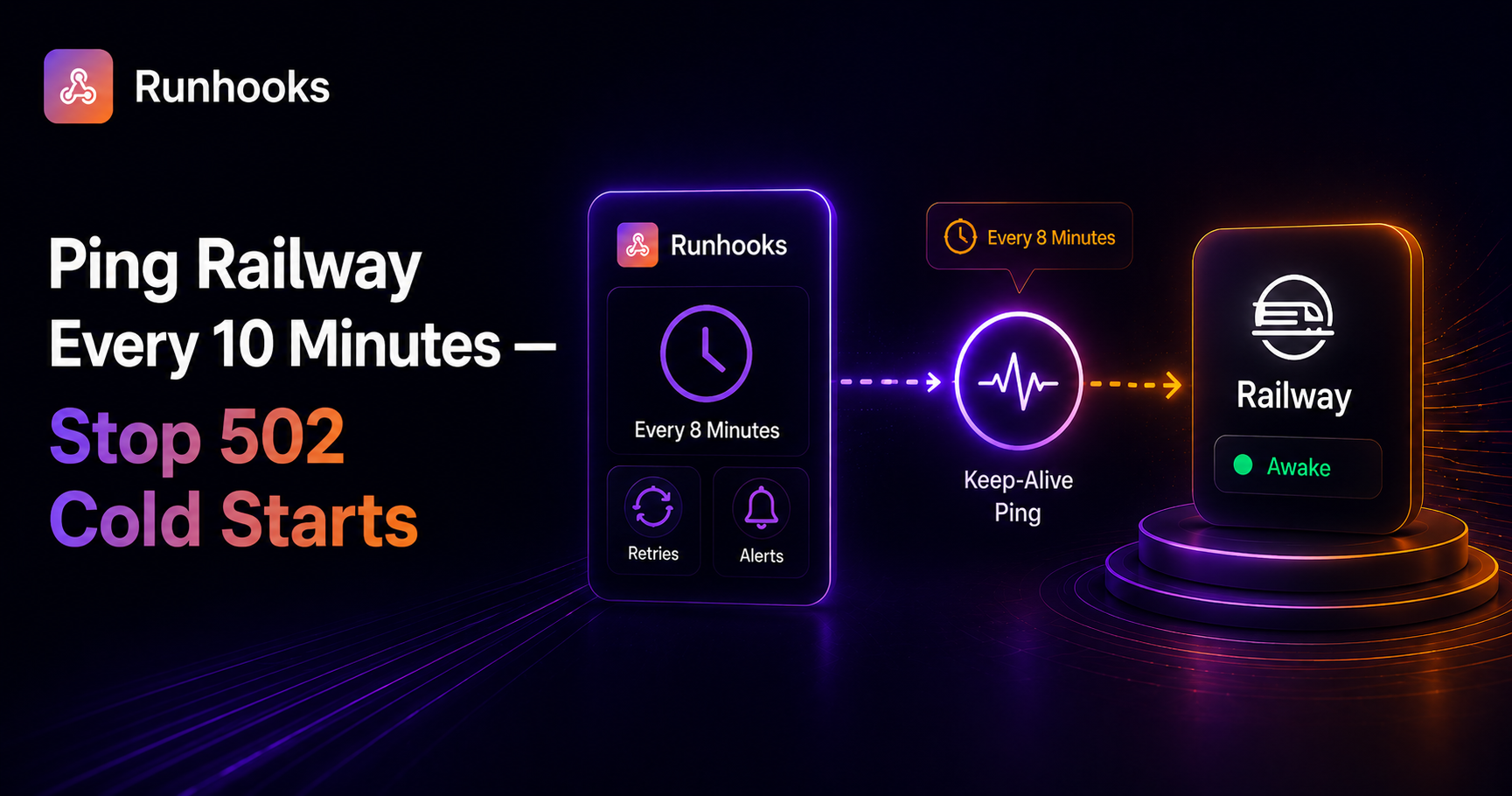
Schedule the ping every 8 minutes (*/8 * * * *). The 2-minute buffer absorbs network delays, scheduling jitter, and retry windows without risking the 10-minute cutoff.
Why a DIY Cron Job Falls Short
You could set up a cron job that curls your health endpoint. In practice, this introduces the same reliability gap you're trying to close:
- Requires an always-on machine. A local cron job stops when your laptop sleeps. A VPS-based cron job means paying for a server to keep your Railway service alive.
- No retries. If the ping fails due to a network blip, cron doesn't retry. The next attempt is 8 minutes later — potentially past the 10-minute window, and your service sleeps.
- No visibility into failures. If your endpoint starts returning
500errors, cron doesn't notice. Your app is broken and being pinged on schedule, but nobody knows. - Can't distinguish sleep from downtime. A cron ping tells you nothing about whether the
200response is real or the service is actually crashing. You need separate monitoring — or a tool that combines both.
Scheduling With Runhooks
Runhooks sends the keep-alive ping on a reliable schedule with retries, logging, and alerting built in. Setup takes two minutes:
- Create a job — name it "Railway keep-alive"
- Set the URL —
https://your-app.up.railway.app/health - Set the schedule —
*/8 * * * *(every 8 minutes) - Enable retries — 3 attempts with exponential backoff
What you get beyond a simple ping:
- Execution logs — every ping is recorded with HTTP status, response body, and duration. You can see your app responding in 15ms consistently, or catch a gradual increase in latency.
- Automatic retries — if a transient failure causes the first ping to fail, the retry fires within seconds. Your 2-minute buffer stays intact and Railway never hits the 10-minute threshold.
- Failure alerts — if all retries fail, you get notified immediately. This means actual downtime — a crashed process, a failed deploy, a Railway outage — not just a cold start. You find out in seconds, not when a user complains.
- Keep-alive and monitoring in one job — the ping keeps Railway from sleeping your service, and the alerts tell you when something is genuinely wrong. A cron job can't do both.
An 8-minute interval produces roughly 5,400 pings per month, which fits within the Runhooks Starter plan. If you're already paying $5/month for Railway Hobby, a few dollars for reliable uptime monitoring on top is a practical tradeoff — especially compared to the cost of debugging phantom 502 errors.
Get Started
Railway's serverless feature is useful for saving resources — the cold start and 502 on wake are the only rough edges, and they're straightforward to fix:
- Add a
/healthendpoint to your Railway service - Try Runhooks and schedule a
GETevery 8 minutes - Your service stays warm, and you get alerted if it actually goes down
Preview your schedule with the cron expression visualizer, and compare plans when you need more jobs or longer log retention.
Frequently Asked Questions
Why does my Railway app return 502 after being idle?
Railway's serverless feature shuts down your service after 10 minutes with no outbound traffic. When the next request arrives, Railway has to spin the container back up from scratch. During that cold start, the first request often returns a 502 Bad Gateway error because the service isn't ready to handle it yet.
How do I keep my Railway app from sleeping?
Send an HTTP request to your app at least once every 10 minutes so it always has recent outbound traffic. Add a lightweight /health endpoint that returns a 200 status, then schedule a ping every 8 minutes using an external scheduler like Runhooks. The 2-minute buffer ensures you never hit the 10-minute timeout even if a request is delayed.
Does Railway serverless sleep based on inbound or outbound traffic?
Railway tracks outbound packets only. Inbound requests alone do not prevent sleep. However, when your service responds to an HTTP request, that response is outbound traffic — so a keep-alive ping that triggers a response effectively resets the 10-minute inactivity timer.
Can I disable serverless sleep on Railway?
Yes. Serverless is opt-in on Railway — it's not enabled by default. If you enabled it to save resources but don't want the cold starts, you can disable it in your service settings under Deploy → Serverless. Alternatively, keep it enabled and use a scheduled keep-alive ping to prevent sleep while still saving resources when you intentionally take the service offline.
Read next: Eliminating Render Free Tier Cold Starts · Keeping Koyeb's Free Tier Awake · Why Cron Jobs Fail in Production