A note from the founder. Looking for timezone-aware scheduling for your maintenance jobs? I'm looking for a small group of early users to try Runhooks and share honest feedback. Early adopters get upgraded plans for free.
Your Postgres database runs VACUUM during a traffic spike. Queries that normally take 20ms start timing out at 2 seconds. The dashboard goes red, users see errors, and the on-call engineer spends the next hour figuring out that the problem was a maintenance job running at the wrong time.
Heavy database operations — VACUUM FULL, ANALYZE, REINDEX, log rotation — are necessary, but they compete with production queries for I/O, CPU, and locks. The fix isn't skipping maintenance. It's scheduling it when nobody is using the system.
Why Maintenance Hurts During Peak Hours
Postgres autovacuum runs in the background, but it's tuned conservatively by default. When tables accumulate enough dead tuples, a manual VACUUM or VACUUM FULL becomes unavoidable. These operations are expensive:
VACUUM FULLrewrites the entire table, acquiring an exclusive lock that blocks all reads and writesANALYZEscans tables to update query planner statistics, adding I/O loadREINDEXrebuilds indexes, locking the table for the duration on older Postgres versions- Log rotation and archiving can saturate disk I/O when compressing or shipping large WAL files
Running any of these during business hours means your application competes with maintenance for the same resources. The result is elevated query latency, connection pool exhaustion, and — in the worst case — downtime.
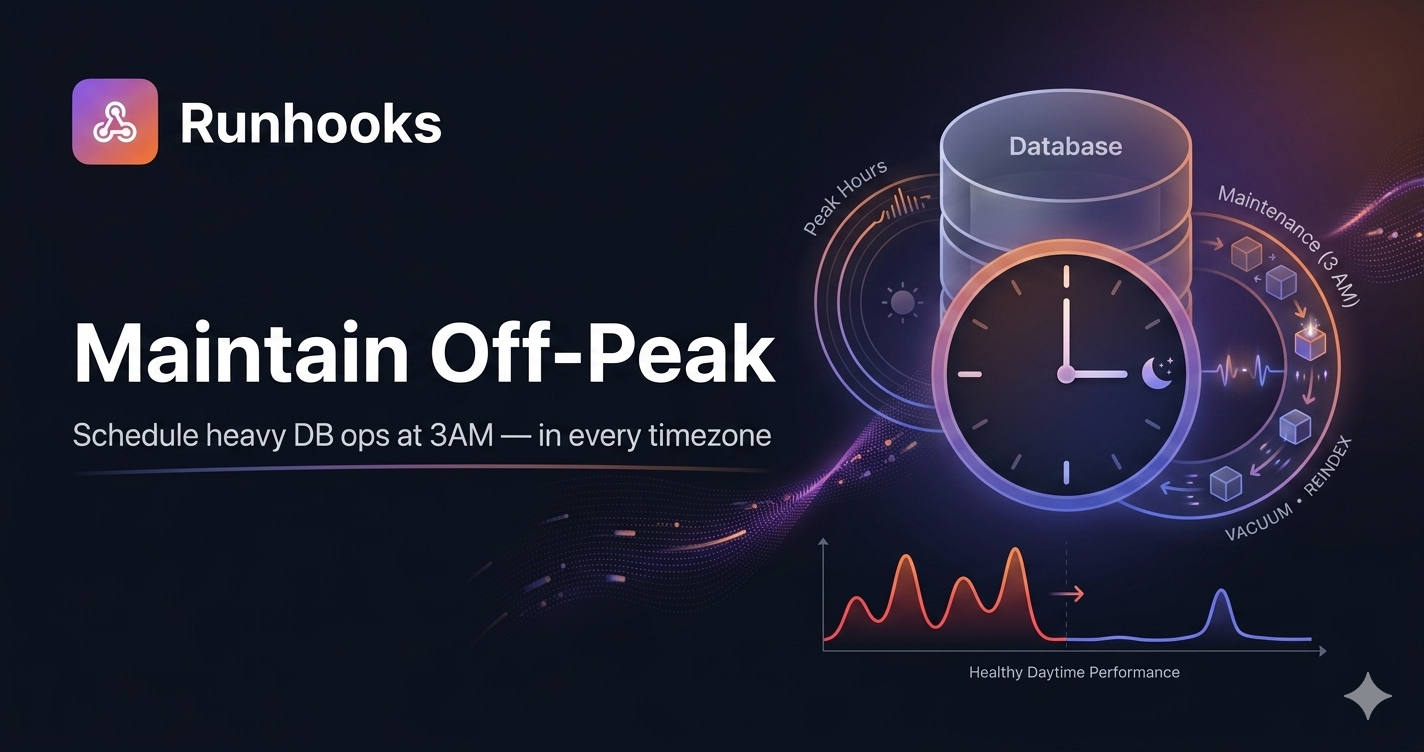
The standard practice is to schedule these operations during off-peak windows, typically between 2 AM and 5 AM local time, when traffic is at its lowest.
The Timezone Problem
Scheduling at "3 AM" sounds simple until your infrastructure spans multiple regions. A database in us-east-1 and another in eu-west-1 have different off-peak windows. A cron job that runs at 0 3 * * * UTC hits 3 AM in London but 10 PM in New York — still peak hours.
Traditional cron uses the server's system timezone, usually UTC. To schedule at 3 AM in each region's local time, you have two options:
- Do the timezone math yourself — convert each region's local 3 AM to UTC, update the crontab twice a year when DST shifts, and hope nobody makes an arithmetic error
- Use a scheduler that supports explicit timezones — set
America/New_Yorkfor the US database andEurope/Londonfor the EU one, and let DST transitions happen automatically
Option 1 is how most teams start. It works until DST shifts a job into business hours and nobody notices until queries start timing out.
Why Cron Falls Short for This
A cron job on the database server itself can trigger maintenance scripts, but it introduces operational gaps:
- No timezone support. Standard cron uses the system clock.
CRON_TZexists on some distributions but isn't universal, and many teams don't know about it. - Silent failures. If a
VACUUMfails because of a lock conflict or disk pressure, cron doesn't notify anyone. The job exits non-zero and cron moves on. - No execution history. There's no record of how long the operation took, whether it completed, or whether it's trending slower over time — a key signal that table bloat is growing.
- Infrastructure coupling. The cron job is tied to a specific machine. If that instance is replaced by auto-scaling, a migration, or a failover event, the schedule disappears with it.
For maintenance tasks that directly affect production availability, silent failures and missing history aren't acceptable.
How Runhooks Handles Off-Peak Scheduling
Runhooks schedules HTTP requests with explicit timezone support and built-in observability. For database maintenance, the pattern is: expose a maintenance endpoint in your backend, and let Runhooks call it on schedule.
A typical setup:
// POST /api/maintenance/vacuum
app.post('/api/maintenance/vacuum', authMiddleware, async (req, res) => {
  try {
    await db.query('VACUUM ANALYZE');
    res.status(200).json({ status: 'completed' });
  } catch (err) {
    res.status(500).json({ error: err.message });
  }
});
Then in Runhooks:
- Create a job — "Nightly VACUUM (US-East)"
- Set the URL —
https://api.yourapp.com/api/maintenance/vacuum - Set the schedule —
0 3 * * *(daily at 3:00 AM) - Set the timezone —
America/New_York - Enable retries — so a transient lock conflict retries automatically instead of silently failing
For a second database in Europe, create another job with the same schedule but timezone set to Europe/London. Both run at 3 AM local time, regardless of DST.
What this gives you over server-side cron:
- Timezone-aware scheduling — set
America/New_York,Europe/London, orAsia/Tokyoper job. DST transitions are handled automatically. No manual UTC conversion. - Execution logs — every run is recorded with HTTP status, response body, and duration in milliseconds. You can see if
VACUUMtook 4 seconds last month and 45 seconds this week — a sign that table bloat needs attention. - Automatic retries — if the endpoint returns a
500because of a lock conflict, Runhooks retries with exponential backoff instead of waiting 24 hours for the next run. - Failure alerts — if maintenance fails after all retries, you get an email or webhook notification. Not a surprise during tomorrow's morning traffic.
- No infrastructure coupling — the schedule lives in Runhooks, not on a specific server. Database failovers, instance replacements, and migrations don't break the maintenance schedule.
What Else to Schedule Off-Peak
The same pattern applies to any resource-intensive operation that doesn't need to run during business hours:
REINDEX— rebuild bloated indexes nightly- Partition pruning — drop or detach old partitions from time-series tables
- Data archiving — move cold rows to archive tables or object storage
- Backup verification — restore a backup to a staging database and run integrity checks
- Log rotation — compress and ship WAL archives or application logs
Each is an HTTP endpoint that Runhooks calls on a schedule — with the same timezone support, retry logic, and alerting.
Get Started
Heavy database maintenance belongs in off-peak windows, not competing with production queries at 2 PM:
- Wrap your maintenance operations behind authenticated HTTP endpoints
- Try Runhooks and schedule them at 3 AM in each region's local timezone
- Get execution logs, retries, and alerts — so you know when maintenance fails before users do
Preview your schedule with the cron expression visualizer, and compare plans when you need more jobs or longer log retention.
Frequently Asked Questions
When should I run VACUUM on Postgres?
Run VACUUM during off-peak hours — typically between 2 AM and 5 AM local time — when traffic is at its lowest. VACUUM competes with production queries for I/O and CPU, and VACUUM FULL acquires an exclusive lock that blocks all reads and writes. Scheduling it during business hours risks elevated query latency, connection pool exhaustion, and downtime.
How do I schedule database maintenance across multiple timezones?
Use a scheduler with per-job timezone settings. Set the US database maintenance to 3 AM America/New_York and the EU database to 3 AM Europe/London — each runs at 3 AM local time regardless of DST. Traditional cron uses the server's system timezone (usually UTC), forcing you to convert manually and update twice a year for DST.
Does VACUUM FULL lock the table in Postgres?
Yes. VACUUM FULL rewrites the entire table and acquires an exclusive lock (AccessExclusiveLock) that blocks all reads and writes for the duration. Regular VACUUM runs concurrently with normal operations but still adds I/O load. Both should be scheduled during off-peak hours to minimize impact on production queries.
How do I know if my database maintenance jobs are failing?
If you use cron, you don't — cron has no built-in failure detection. A VACUUM that fails due to a lock conflict or disk pressure exits silently. Use an external scheduler like Runhooks that logs every execution with its HTTP status, response body, and duration, and sends alerts when maintenance fails after retries. Trending duration increases also signal growing table bloat.
Read next: Why Cron Jobs Fail in Production · Scheduled HTTP Requests vs. Cron Jobs · What Is a Cron Job? A Beginner's Guide