Cron jobs are everywhere. They power database backups, billing cycles, data syncs, email reports, and third-party integrations. They're simple, built into every Linux server, and take minutes to set up — which is why they remain the default choice for scheduled tasks in production.
But that simplicity is deceptive.
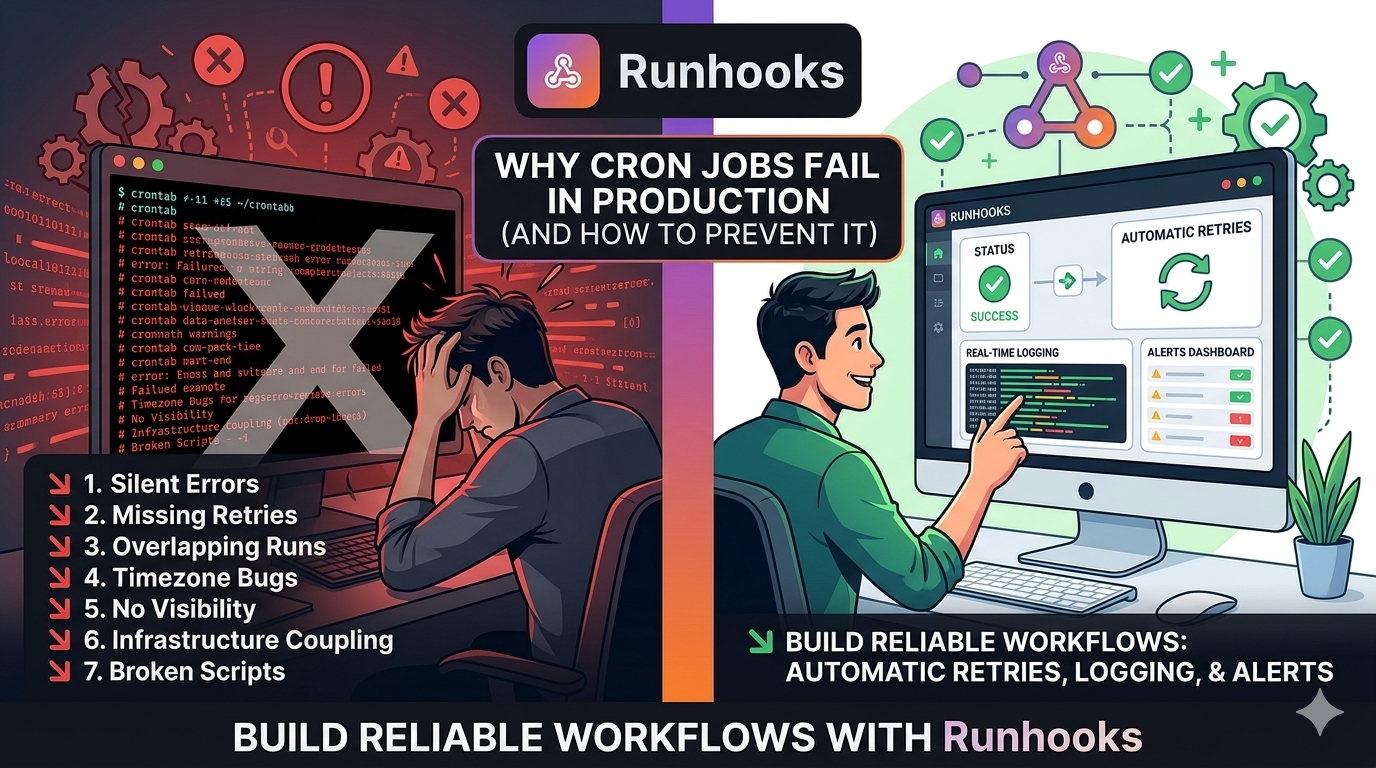
Cron doesn't fail loudly. It fails quietly, gradually, and often invisibly — until something critical breaks and you're scrambling to figure out when it stopped working. This article breaks down the seven most common reasons cron jobs fail in production, with real examples and concrete solutions for each one.
Cron Is a Scheduler — Not a Reliability System
Before diving into specific failure modes, it's worth understanding what cron actually does. At its core, cron has one job:
Trigger a command at a specific time.
That's it. Cron does not confirm that the command succeeded. It does not retry if it failed. It does not keep a history of past runs. It does not send an alert when something goes wrong. Everything beyond "triggering" is your problem to solve.
This distinction matters because most teams treat cron like a complete job execution platform when it's really just a timer.
1. Silent Failures Are the Default
The most dangerous failure mode is the most common: your job fails and nobody notices. Cron's default behavior on failure is to do absolutely nothing. The process exits with a non-zero code, and cron moves on to the next scheduled run.
# This backup could fail for weeks before anyone notices
0 2 * * * pg_dump production_db > /backups/nightly.sql
If pg_dump fails — the database is unreachable, disk is full, credentials expired — cron considers the job "done." There's no dashboard turning red, no notification in Slack, no entry in a log. The next time you'll discover the problem is when you actually need that backup.
Cron does support MAILTO for sending output via email, but that requires a configured mail transfer agent on the server. Most cloud instances don't have one, and even when they do, a flood of cron emails quickly gets filtered or ignored.
How Runhooks prevents this: Every scheduled execution is logged with its HTTP status code, response body, duration, and error details. When a job fails and exhausts all retries, Runhooks sends an alert via email or webhook. You set a consecutive-failure threshold so transient blips don't wake you up, but persistent failures are immediately surfaced. See how alerting works →
2. No Concept of Success or Failure
Cron tracks whether it started a job — not whether the job succeeded. Consider a job that calls an external API:
0 */4 * * * curl -X POST https://api.partner.com/sync \
  -H "Authorization: Bearer $API_KEY" \
  -d '{"source": "inventory"}'
If the API returns a 500 Internal Server Error, cron has no idea. The curl command ran, it exited, and that's all cron cares about. Even if you add -f to make curl return a non-zero exit code on HTTP errors, cron still won't do anything with that information.
To actually detect failures, you'd need to parse the response, check the exit code, write to a log, and trigger an alert — all inside the script. Most teams skip this because it's tedious, and they end up with jobs that "run" but don't actually work.
How Runhooks prevents this: Runhooks executes HTTP requests directly, so it inspects the actual HTTP response. A 200 is success. A 500 is failure. A timeout is failure. Each outcome is recorded in a structured execution log with the full response body (up to 64 KB), so you can see exactly what happened — not just that "something ran."
3. Retries Don't Exist
When a cron job fails, it's done. There's no built-in concept of "try again in 30 seconds." If your API endpoint had a momentary hiccup, if the database was briefly restarting, if there was a transient DNS issue — the job failed and the next attempt won't happen until the next scheduled time. That could be hours or days from now.
Developers who realize this end up building their own retry logic:
#!/bin/bash
MAX_RETRIES=3
for i in $(seq 1 $MAX_RETRIES); do
  response=$(curl -sf -w "%{http_code}" https://api.example.com/sync)
  if [ "$response" = "200" ]; then
    exit 0
  fi
  echo "Attempt $i failed (HTTP $response), retrying in $((i * 10))s..."
  sleep $((i * 10))
done
echo "All retries exhausted"
exit 1
This pattern gets duplicated across every script, with slight variations that make them inconsistent and hard to maintain. And it still doesn't solve the alerting problem when all retries fail.
How Runhooks prevents this: Every job gets a configurable retry policy with exponential backoff. Set the maximum retries and backoff multiplier, and Runhooks spaces attempts at 1s → 2s → 4s → 8s — giving transient issues time to resolve without thundering herd problems. If the job recovers on the second attempt, you'll see it in the execution log. If all retries fail, the job moves to a dead-letter state and triggers an alert.
4. No Visibility or Debugging Context
When a cron job fails in production, the debugging experience is painful. There's no centralized dashboard. There's no execution history. You SSH into the server, grep through whatever log file the developer decided to write to (if they decided to at all), and hope the server still exists.
# The standard approach: redirect output to a log file
0 * * * * /scripts/sync.sh >> /var/log/sync.log 2>&1
These logs are unstructured text files, local to one server, with no retention policy, in whatever format each developer felt like using. When the instance gets replaced (auto-scaling, deploys, failures), the logs disappear with it.
Compare this to how you debug a failed API request in any modern tool: you see the timestamp, status code, request body, response body, duration, and retry history — all in one view. Cron job debugging shouldn't be stuck in the grep-and-pray era.
How Runhooks prevents this: Every execution is captured in a structured log: timestamp, HTTP status, response body, duration in milliseconds, attempt number, and error details. The dashboard shows execution history at a glance — filterable by status, job, and date range. Log retention ranges from 24 hours on the free plan to 30 days on the Growth plan. No more SSH-ing into boxes to read log files.
5. Overlapping Executions Cause Data Corruption
If a job takes longer than the interval between runs, cron will happily start the next instance while the previous one is still running:
# Runs every 5 minutes, but the job takes 8 minutes
*/5 * * * * /scripts/process-queue.sh
The result:
00:00  [ Job A starts ──────────────── ]
00:05       [ Job B starts ──────────────── ]
00:08            [ A finishes ]
00:10                 [ Job C starts ──────────── ]
00:13                      [ B finishes ]
Two instances of the same script running simultaneously against the same database. If the script isn't idempotent — and most aren't — this leads to duplicate records, corrupted state, race conditions, and data loss. The worst part: these bugs are intermittent. They only happen when the job runs slow, which might be once a week or once a month.
Teams work around this with lock files (flock), PID files, or database-level advisory locks — all of which add complexity and their own failure modes.
How Runhooks prevents this: Runhooks enforces concurrency limits at the plan level, and you can see execution duration trends in the dashboard. If a job consistently approaches its interval, you'll spot it before overlaps happen. The overlap detector in our cron visualizer tool lets you test for this before deploying a schedule.
6. Infrastructure Coupling Is a Hidden Risk
A cron job is tied to a specific machine. If that server goes down, every job on it stops — silently. There's no failover, no redundancy, and no notification that the scheduler itself is dead.
This creates a cascade of operational problems:
- Single point of failure. The cron server becomes a "pet" — manually configured, irreplaceable, and everyone's afraid to touch it.
- Deployment friction. Updating a schedule means SSH-ing into the server and editing a crontab, not pushing a config change through your CI/CD pipeline.
- Scaling conflicts. If you auto-scale to multiple instances, the same cron job runs on every instance simultaneously — or you need to pick a "leader" instance, which adds coordination complexity.
- No portability. Moving to containers, serverless, or a different cloud provider means re-implementing the scheduling layer from scratch.
How Runhooks prevents this: Jobs are defined through a REST API or web dashboard — not tied to any server. Runhooks executes HTTP requests to your endpoints, which can run anywhere: a serverless function, a Kubernetes pod, a container, or a traditional VM. The scheduling infrastructure is fully managed, so there's no cron daemon to maintain or protect.
7. Timezones and DST Create Subtle Bugs
Cron uses the server's system timezone, which is usually UTC in production. If your business logic needs a report generated at 9 AM Eastern every weekday, you're doing timezone math in your head:
# 9 AM ET = 1 PM UTC (summer) or 2 PM UTC (winter)
# Many teams "solve" this by scheduling both and accepting the duplicate
0 13 * * 1-5 /scripts/daily-report.sh  # EDT
0 14 * * 1-5 /scripts/daily-report.sh  # EST
This is fragile and error-prone. When daylight saving time transitions happen, jobs shift by an hour (or run twice, or skip). Some cron implementations support CRON_TZ, but it's not universally available and many developers don't know it exists.
How Runhooks prevents this: Every job has an explicit timezone setting. Select America/New_York, set the schedule to 0 9 * * 1-5, and DST transitions are handled automatically. No mental arithmetic, no seasonal crontab edits, no surprises when clocks change. You can preview exactly when jobs will fire using the cron expression visualizer.
What Reliable Scheduling Looks Like
The pattern behind all seven failure modes is the same: cron is a scheduler, not a platform. It triggers commands and delegates everything else — retries, logging, alerting, timezone handling, high availability — to you.
A reliable scheduled workflow should look like this:
[ Scheduled Trigger ]
        │
        ▼
[ HTTP Request Executed ]
        │
        ▼
[ Response Captured + Logged ]
        │
   ┌────┴────┐
   ▼         ▼
[ 2xx ]   [ Error / Timeout ]
   │         │
   ▼         ▼
[ Done ]  [ Retry with Backoff ]
              │
         ┌────┴────┐
         ▼         ▼
    [ Recovered ] [ All Retries Failed ]
                       │
                       ▼
                 [ Dead Letter + Alert ]
Every step is visible. Every outcome is recorded. Failures are retried automatically. And when something genuinely needs human attention, you're notified immediately — not days later.
Move Beyond Cron
Runhooks gives you this workflow out of the box: scheduled HTTP execution, automatic retries with exponential backoff, structured execution logs, timezone-aware scheduling, and real-time failure alerts. No infrastructure to manage, no scripts to maintain.
Start with the free plan — it takes under two minutes to replace your first cron job. Or explore the cron visualizer to test your existing schedules, and compare plans when you're ready to scale.
Read next: Scheduled HTTP Requests vs. Cron Jobs · 5 Pitfalls of Classic Cron Jobs · What Is a Cron Job? A Beginner's Guide